Test Runs List
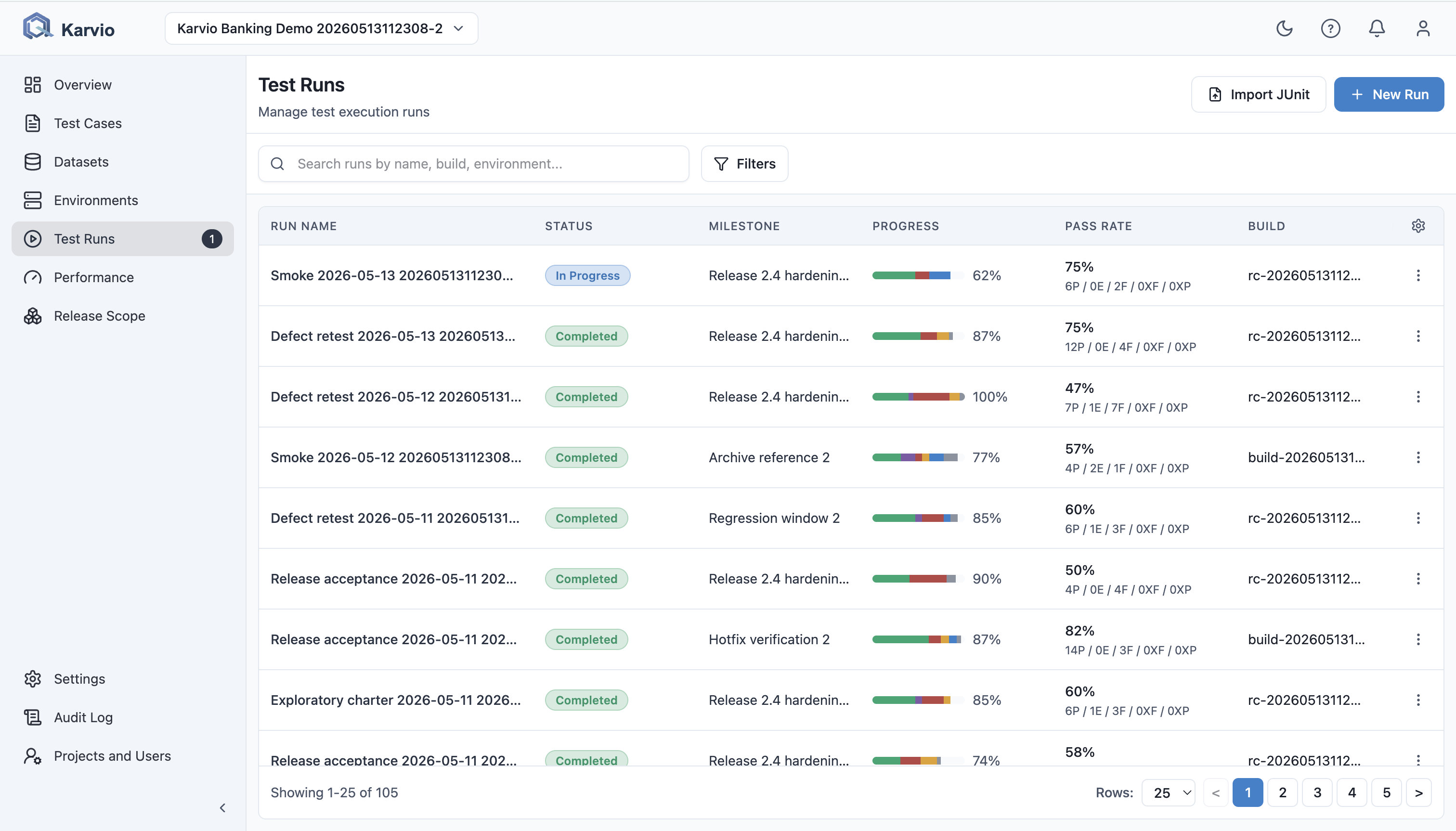
The Test Runs page lists project runs with server-side pagination.
Available Actions
Users can:
- search runs by name, build, or environment;
- filter by status;
- select period presets such as
Last 7 days,Last 30 days, orAll time; - set custom
FromandTodates; - filter by environment and milestone;
- sort supported columns;
- configure visible columns;
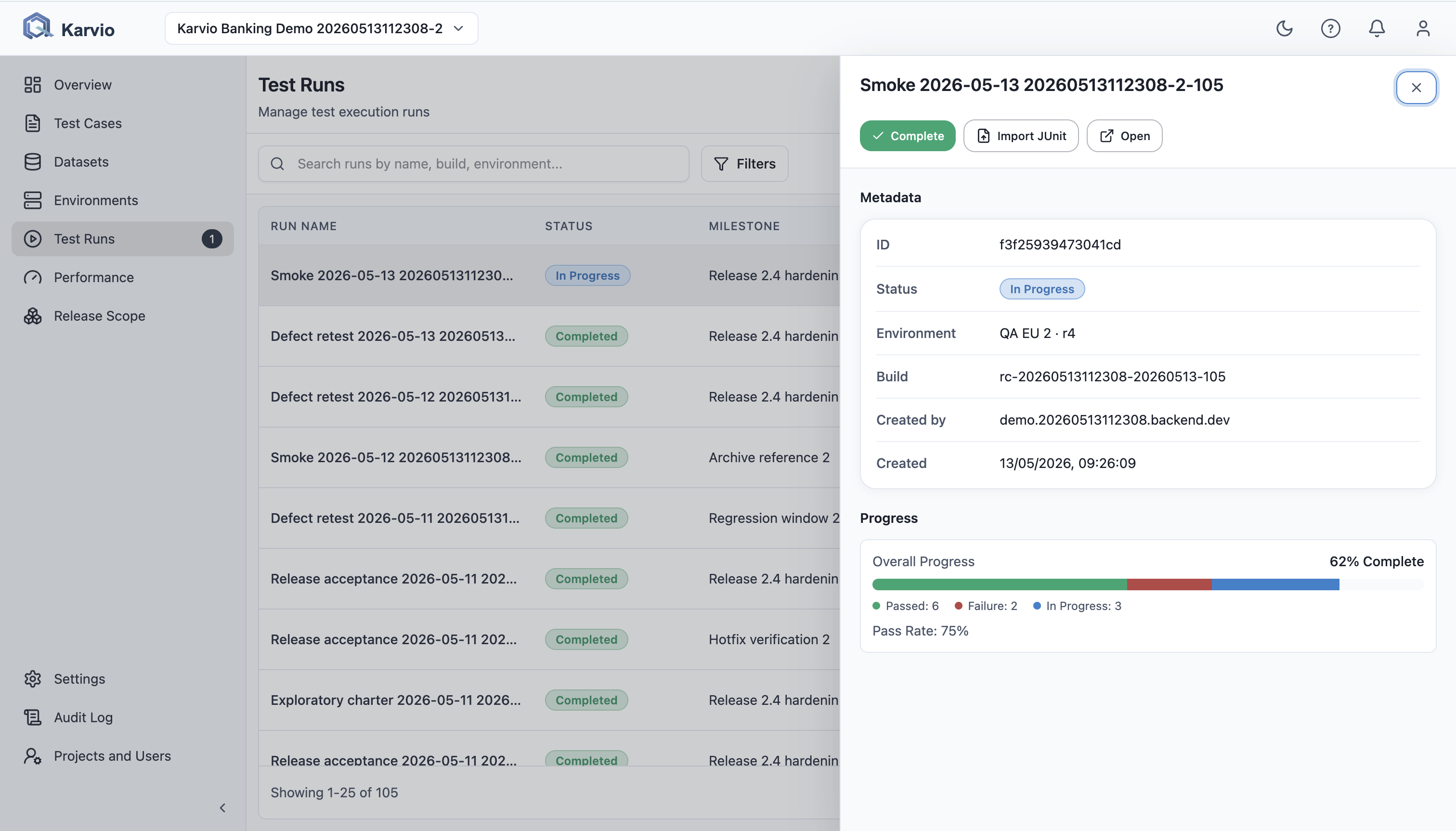
- open a quick details side panel;
- open the full run overview;
- import JUnit XML at project level;
- create a new run.
Pagination
Pagination is handled on the server. This keeps historical runs usable without loading the full project into the browser.
Columns
| Column | Shows |
|---|---|
Run Name |
Run name and overview link. |
Milestone |
Linked milestone, when set. |
Build |
Build, version, commit, or tag. |
Environment |
Environment name and revision, for example staging-eu · r4. |
Status |
Not Started, In Progress, Completed, or Archived. |
Progress |
Compact progress bar by run item status. |
Pass Rate |
Passed percentage among decided results and compact P/E/F/XF/XP breakdown. |
Created |
Creator and creation date. |
Row Actions
Row actions include:
- lifecycle action:
Start,Complete, orArchivewhen allowed; Import JUnit XMLwhen the run isnot_startedorin_progress;Openfor the full overview.
The quick details side panel shows metadata, progress, and primary actions.