Dataset Bindings and Revisions
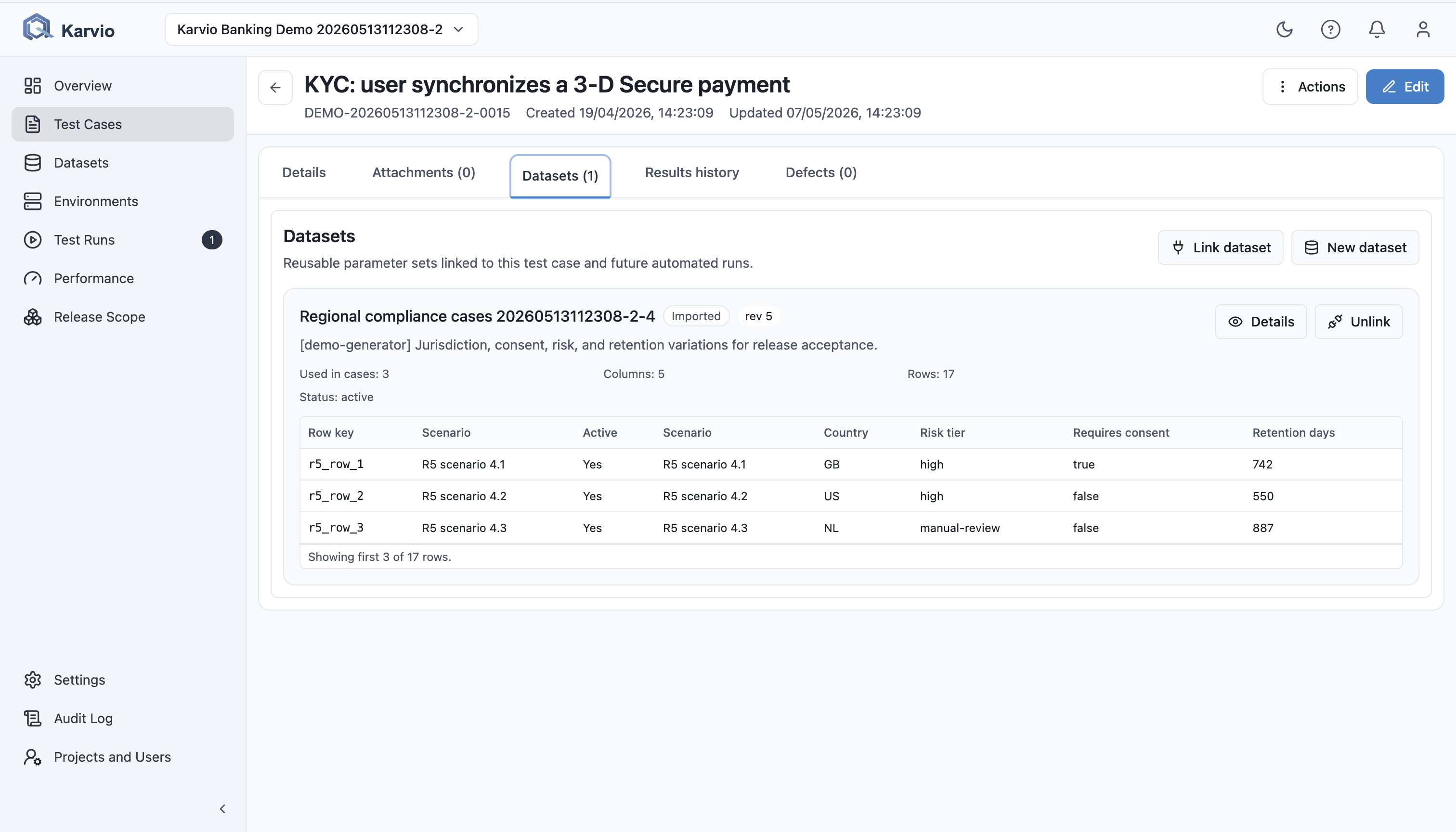
Datasets can be linked to test cases from the Datasets tab on the case detail page.
Bind a Dataset to a Test Case
Users can:
Link datasetto choose an unlinked existing dataset;- search available datasets;
- load more datasets;
- create a new dataset and link it immediately;
- open details and preview;
- edit a linked dataset;
- unlink it from the case;
- delete it from the project when permitted.
The UI creates bindings with a generated alias, follow_latest mode, and all rows selected. The API supports explicit alias, pinned revision, and row subsets.
Revisions
A revision stores the dataset columns and rows at a point in time. Revisions support reproducibility because:
- a test case can follow the latest revision;
- the API can pin a specific revision;
- run results can refer to data that was current at execution time;
- the team can understand when and why parameters changed.
The UI shows the current revision in dataset details. Revision history is available through the API.